Servers
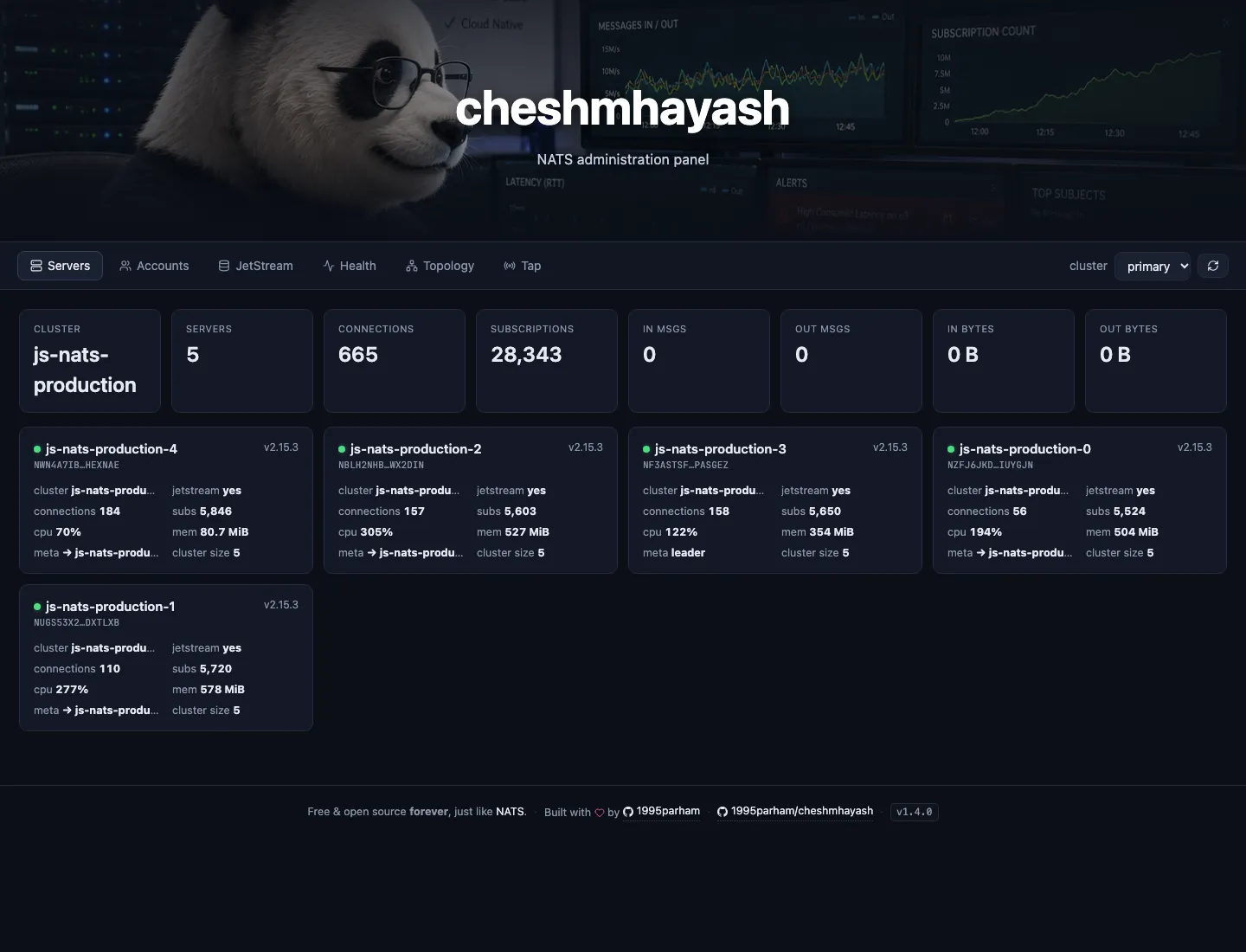
The Servers tab finds every server of the cluster with $SYS.REQ.SERVER.PING. It shows the cluster totals at the top: servers, connections, subscriptions, and messages and bytes in and out. Below them is one card per server, with its name, ID, version and a badge on the JetStream meta leader.
Open the Servers tab in the demo.
Server detail
Section titled “Server detail”Click a card to open the server. Its sub-tabs show the raw replies of the monitoring endpoints, as the server sends them: VARZ, CONNZ, SUBSZ, JSZ, ROUTEZ, GATEWAYZ, LEAFZ, HEALTHZ and ACCOUNTZ. They are the same JSON that the HTTP monitoring port gives, but they come over the NATS connection.
Actions
Section titled “Actions”An admin sees three actions on a server:
| Action | What it does |
|---|---|
| Reload | Reloads the server’s configuration file ($SYS.REQ.SERVER.<id>.RELOAD). |
| Lame duck | Puts the server in lame-duck mode: it stops taking new clients and drains the ones it has. |
| Kick | Disconnects one client by its connection ID (CID). |